
Uneebee
1.2k 67What is UneeBee ?
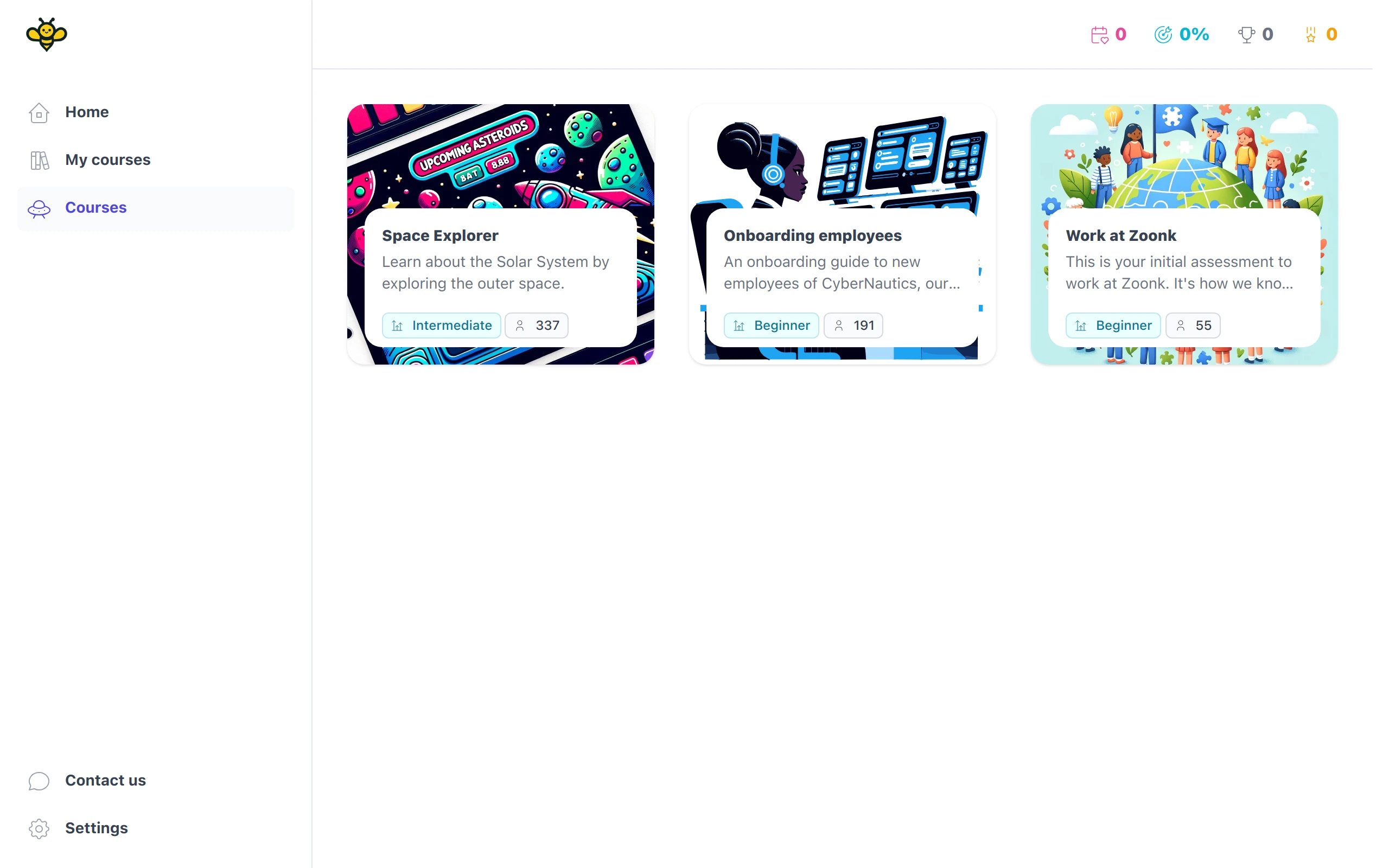
UneeBee is an open-source platform to create interactive courses like Duolingo. You can use it at your organization, school, or using the marketplace to share your experience in a fun way.
Getting started
Follow the instructions below to get UneeBee up and running on your local machine. We have a Dockerfile but that’s used for deploying our demo app to Fly. We don’t have a Docker setup for local development yet. PRs are welcome!
Requirements
- You need
Elixir 1.15or later andErlang 26or later. Runelixir -vto find your current version for Elixir and Erlang. - Install Hex:
mix local.hex. - Install
Phoenix:mix archive.install hex phx_new. - PostgreSQL 15+.
- (Linux users only): inotify-tools.
Local development
- Run
mix setupto install both dependencies and set up both the database and assets. - Run
mix seedto fetch some initial data to the database (See options). - Run
mix phx.serverto start a development server. - Run
mix testto run tests. - Run
mix cito run our code quality checks. - Run
mix localeto update translation files.
SSL on localhost
Prefer to do local development using SSL to resemble production as much as possible. You can use mkcert to generate a certificate. After you install mkcert, follow the steps below:
-
Create a
certdirectory underpriv:mkdir priv/cert. -
Generate a new certificate:
mkcert -key-file priv/cert/selfsigned_key.pem -cert-file priv/cert/selfsigned.pem localhost uneebee.test "*.uneebee.test" apple.test. -
Run
mkcert -installto install the certificate in the system trust store. -
You may also need to enable
Allow invalid certificates for resources loaded from localhoston Google Chrome flags. -
Restart your local server:
mix phx.server. You may also need to restart your browser.You also need to make sure your machine maps
localhostto a test domain (we’re usinguneebee.testfor this guide).dnsmasqallows you to resolve domains to your local machine without having to change your/etc/hostsfile. To installdnsmasq:
brew install dnsmasq
# Create a configuration directorymkdir -pv $(brew --prefix)/etc/
# Set up your domainsecho 'address=/uneebee.test/127.0.0.1' >> $(brew --prefix)/etc/dnsmasq.confecho 'address=/.uneebee.test/127.0.0.1' >> $(brew --prefix)/etc/dnsmasq.confecho 'address=/apple.test/127.0.0.1' >> $(brew --prefix)/etc/dnsmasq.conf
# Add dnsmasq to your resolversudo mkdir -v /etc/resolversudo bash -c 'echo "nameserver 127.0.0.1" > /etc/resolver/uneebee.test'sudo bash -c 'echo "nameserver 127.0.0.1" > /etc/resolver/apple.test'
# Start dnsmasqsudo brew services start dnsmasq
That’s it! You can now start your local server (mix phx.server) and test your domains using:
- https://uneebee.test:4001
- https://rug.uneebee.test:4001 (each school slug can be used as a subdomain of
uneebee.test). - Or any other domain you added before.
Mailer
We’re using Resend to send emails. To make it work in production, you need to set the following environment variables on your server:
RESEND_API_KEY: Your Resend API key.
Storage
By default, we upload files to your local server and store them in the priv/static/uploads directory. However, we also support uploading files to Cloudflare Images. To use Cloudflare Images, you’ll need to set the following environment variables on your server:
CLOUDFLARE_ACCOUNT_ID: Your Cloudflare account ID. You can find it onCloudflare Dashboard > Images > Overview.CLOUDFLARE_ACCOUNT_HASH: Your Cloudflare account hash. You can find it onCloudflare Dashboard > Images > Overview.CLOUDFLARE_API_TOKEN: Your Cloudflare API token. You can create a token onCloudflare Dashboard > My Profile > API Tokens.
Stripe
We use Stripe for processing payments. If you want to enable subscriptions, you need to set the following environment variables on your server:
STRIPE_API_KEY: Your Stripe API key.STRIPE_WEBHOOK_SECRET: Your Stripe webhook secret.
Plus, you need to create a product for your subscription. We call this plan flexible and you can’t customize plans at the moment. We fetch the price from the Stripe API, so make sure you add the uneebee_flexible lookup key to your price.
Stripe can only be enabled for saas and marketplace apps. Make sure to choose one of those options when you first run this app.